Your Simple Guide to Listing Property on Livista360
Ready to turn your property into income? Listing on Livista360 is your simple guide to success!The process is free, easy, and fast, taking only about 5 minutes to set up. Join thousands of successful hosts who are maximizing their earnings with the support of a dedicated team, available 24/7.
Here is your simple, step-by-step guide to publishing your dream property and reaching genuine buyers or tenants, powered by next-generation AI!
1. Start Your Journey: Sign Up & Get Started
The first step is simple:
- Sign Up to the Livista360 platform.
- Go to your Profile and click on 'Add Property' to launch the listing process.
You'll be greeted by a screen asking: "Ready to Get Started?"
2. Fill in the Property Details (Step-by-Step)
The listing process is broken down into simple, manageable sections. Just follow the prompts and fill in the details as shown in the images:
A. Basic Property Information
-
Project Title and Property Description: Describe your property in detail.
-
Property Details: Select the Property Type, Property For (Sale/Rent), Property Status, and Furnishing Status.
-
Location Information: Enter the Locality and City.
B. Developer Information & Project Timeline
-
If you are a developer, fill in the Project Name, Developer Name, Developer Website, and the crucial RERA Number.
-
Specify the project's timeline: Launch Date and Possession Date.
C. Pricing, Configuration, and Area
-
Pricing Details: Enter the Price, Base Price, Total Price, Floor Rise, Maintenance, and Booking details.
-
Room Configuration: Choose the bedroom/bathroom configuration.
-
Area Specifications: Enter the area in sq.ft for the carpet area, balcony, and Super Built-up Area.
D. Floor & Building, Features, and Project Overview
-
Floor & Building Details: Specify the Floor No., Total Floors, and the building's age (in years/ft).
-
Property Features: Select the features your property offers, such as Modular Kitchen, Wardrobes, Air Conditioner, Lift Available, Gated Community, and Vastu Compliant.
-
Project Configuration: Provide details like Number of Towers, Tower Names, Total Units, and Open Space Percentage.
E. Media & Images
-
Featured Image: Upload your best property photo.
-
Property Gallery: Add multiple images to showcase your property visually.
-
Property Video: Add a video URL (optional) for a dynamic showcase.
F. Project Configuration, Phases, and Unit Types
- This step finalizes the details of the overall project, especially important for builder listings.
Project Configuration
(Final details and amenities)
-
Project Overview:
-
Number of Towers
-
Tower Names
-
Total Units
-
Project Area
-
Open Space Percentage (%)
-
Design & Highlights:
-
Design Themes
-
Highlight Notes
Project Phases
If your project is being launched in stages, you can add phases here:
-
Phase Name
-
Tower Names
-
Possession Date
-
RERA Number
-
Click + ADD PHASE to include it.
Unit Types
Define the different unit configurations available in your project:
-
BHK (e.g., 2 BHK, 3 BHK)
-
Min Price and Max Price
-
Min Size and Max Size
-
Click + ADD UNIT to include it.
G. Property Amenities
This is where you tick off all the fantastic features and facilities your property offers!
-
Select all available amenities:
-
Swimming Pool, Lift, Fireplace, Wifi Connectivity, Power Backup, Visitor Parking, Security Firealarm, Fitness Centre, Childrens Park, Club House, Multipurpose Room, Sports Facility, Rain Water Harvesting, Intercom, Maintenance Staff, Water Purifier, Vaastu Compliant, Natural Light, Shopping Centre, Atm, Waste Disposal, Piped Gas, Modular Kitchen, Balcony, Gated Community, Cctv Surveillance, Security Guards, Water Supply, Solar Panels, Pet Friendly
When you are done, click the SUBMIT button
3. Verification & AI Insights Generation
Once you click CONTINUE and complete the final steps, the Livista360 magic happens:
-
Official Validation: A person from our backend team will check and validate all the official and legal details you provided, including the RERA number and the builder's license. This ensures our platform remains trusted with only verified listings.
-
AI Score Generation: Our advanced AI will analyze the property details, location, and surrounding infrastructure to generate proprietary AI Insights and Scores for your listing. This helps potential buyers or tenants make smarter, data-driven decisions.
Your property listing will be enhanced with powerful scores like:
-
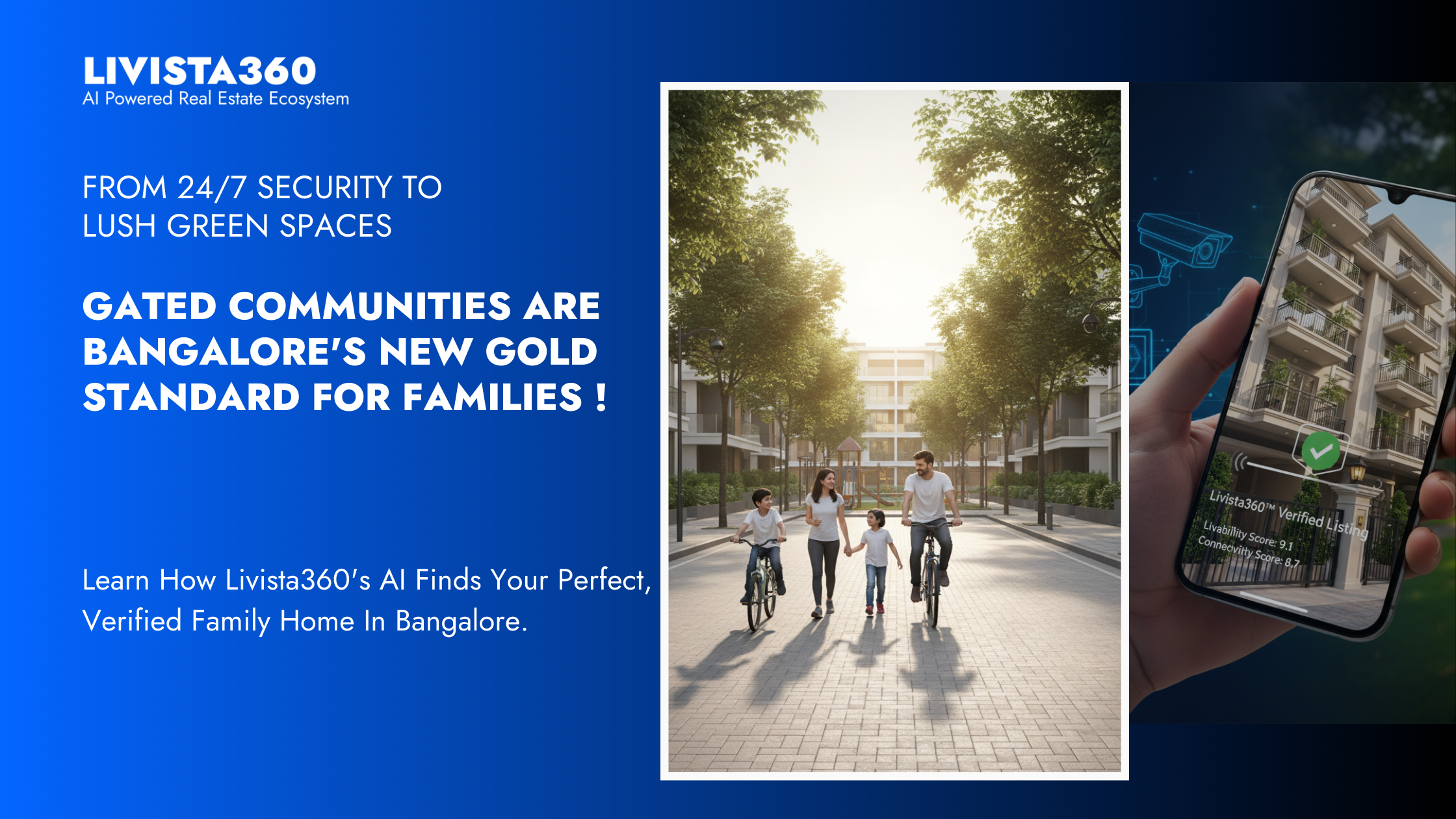
Livability Score: How comfortable and convenient the area is for daily life.
-
Connectivity Score: Ease of access to transport, roads, and key areas.
-
Greenery Score: The level of green cover and open space in the vicinity.
-
Energy Ratings: An assessment of the property's energy efficiency.
Your Listing is Live!
That's it! Your property will be live on Livista360.
Remember, listing your property is free and the setup is easy. Get started now and let our AI platform help you find the perfect match for your property!